No more tab chaos
Board, terminal, GitLab, email, spreadsheet… one app instead of ten windows per project.
Desktop work tracking for developers
Tasks, local services, pipelines, customer tickets, contacts and budget in one place. Your data stays on your computer, encrypted. Optionally sync it with your own server; even the server cannot read it.
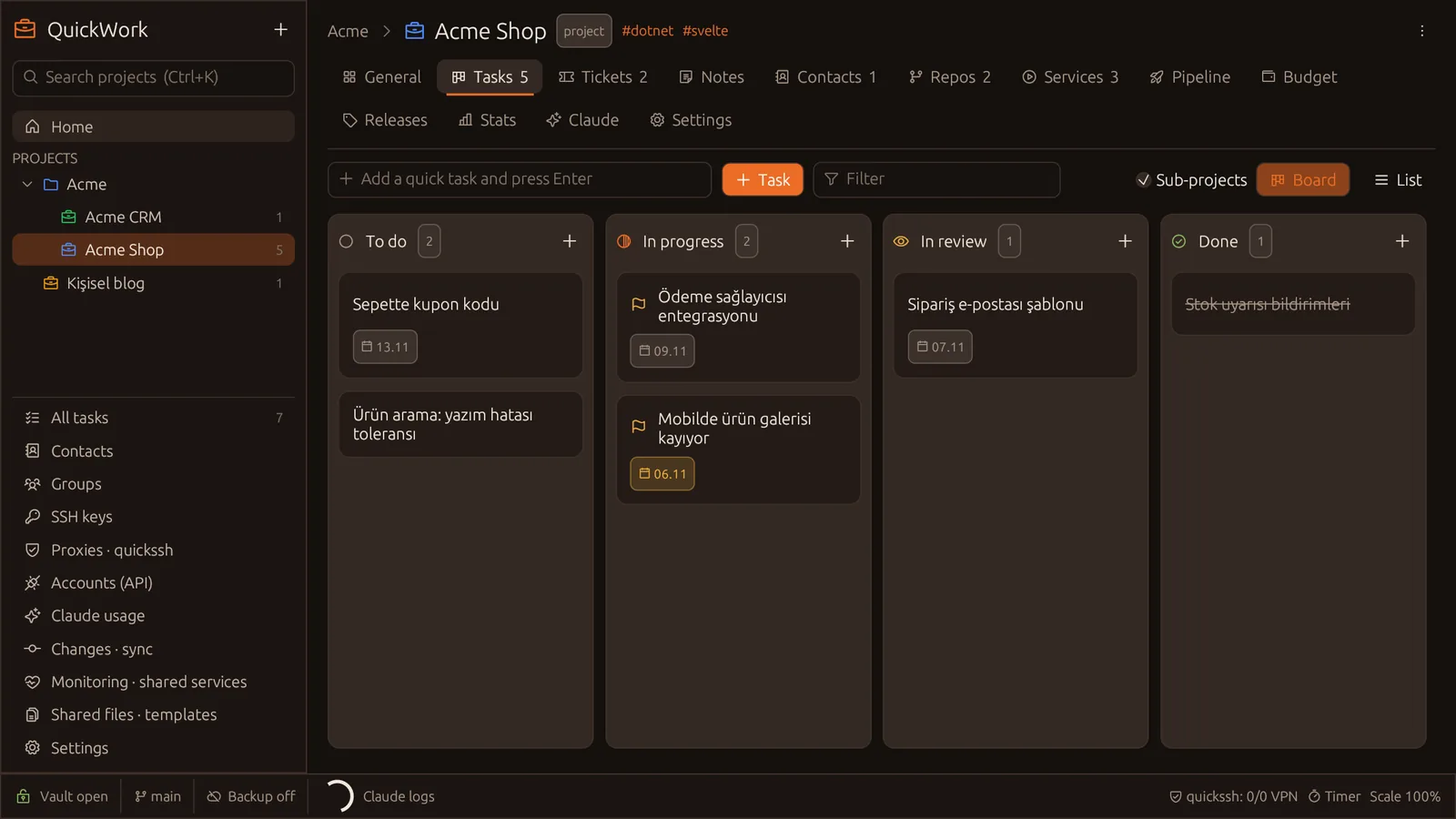
Board, terminal, GitLab, email, spreadsheet… one app instead of ten windows per project.
Written in pure Rust, no browser engine. Opens in a second and runs quietly in the tray.
Everything lives in a local, encrypted vault. No account required, works offline.
To do, in progress, in review, done. Sub-projects, tags, due dates, quick add and timers.
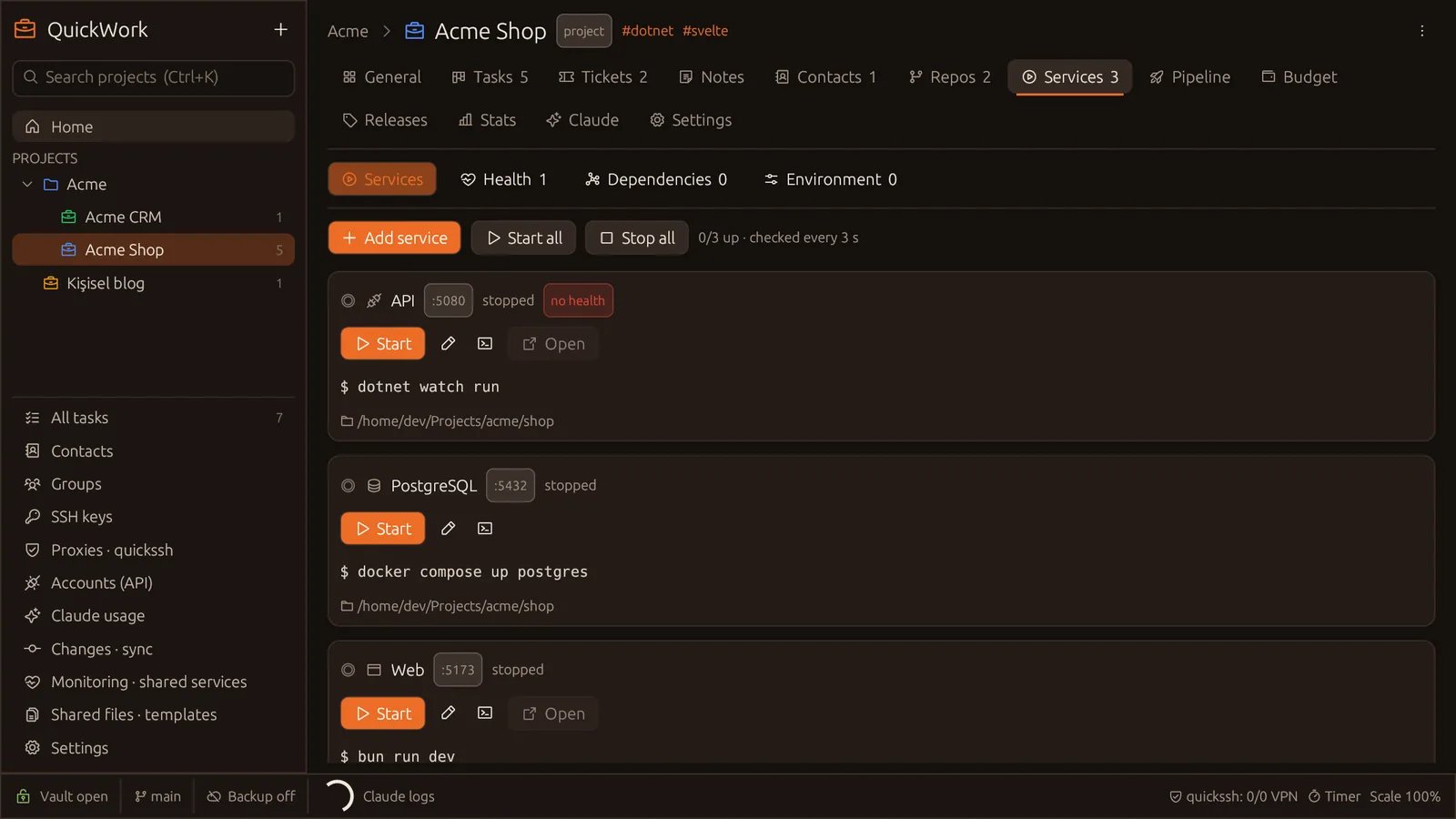
API, web, database… commands, ports and health URLs are saved; start them all and follow the logs.
GitHub Actions, GitLab CI and Dokploy: status, manual triggers, retrying failed jobs, CI variables.
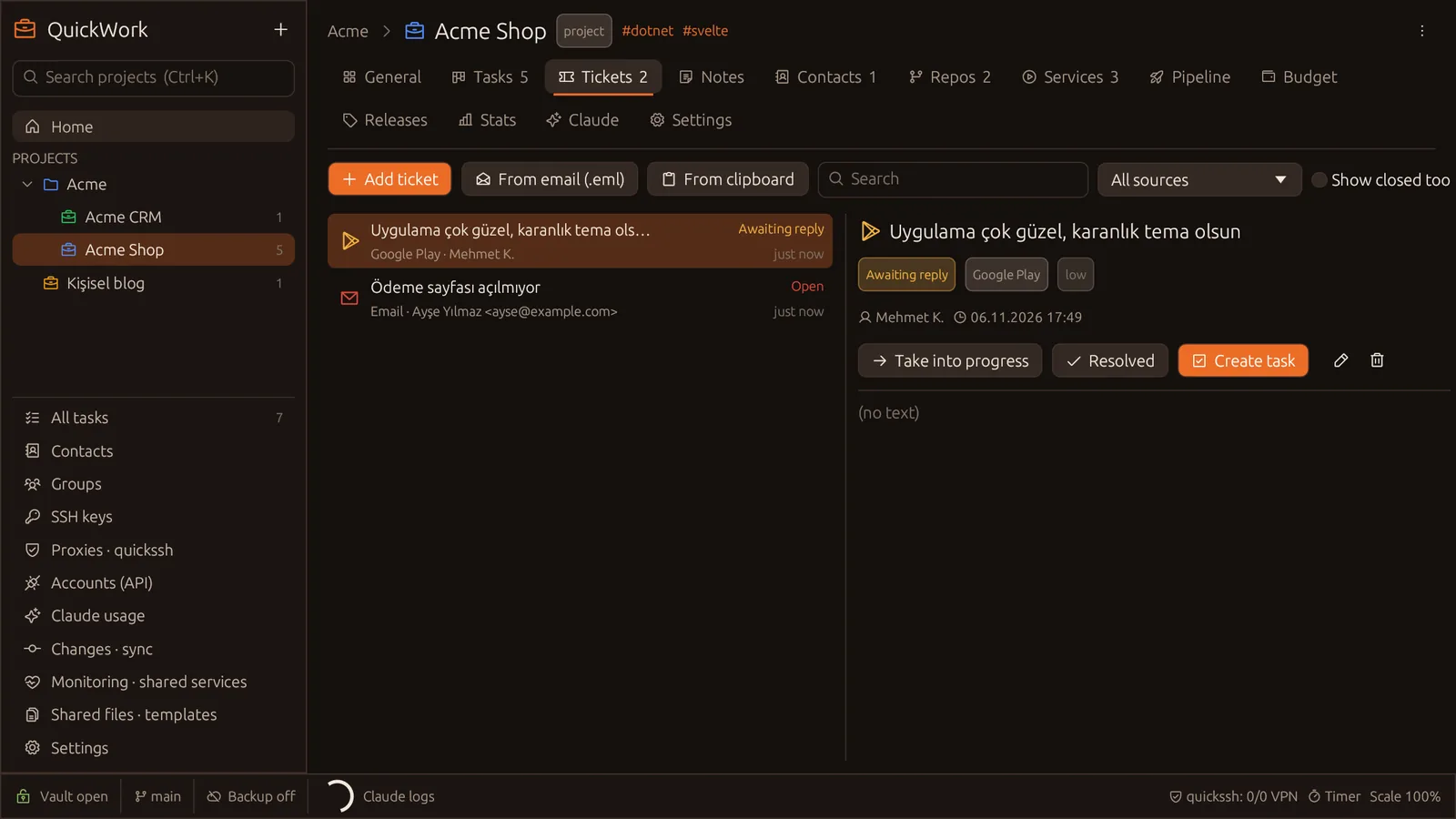
Collect requests from email and Google Play reviews, turn them into tasks, never forget a pending reply.
Connect GitHub/GitLab; create repos and groups, and let the project folder pick the right account.
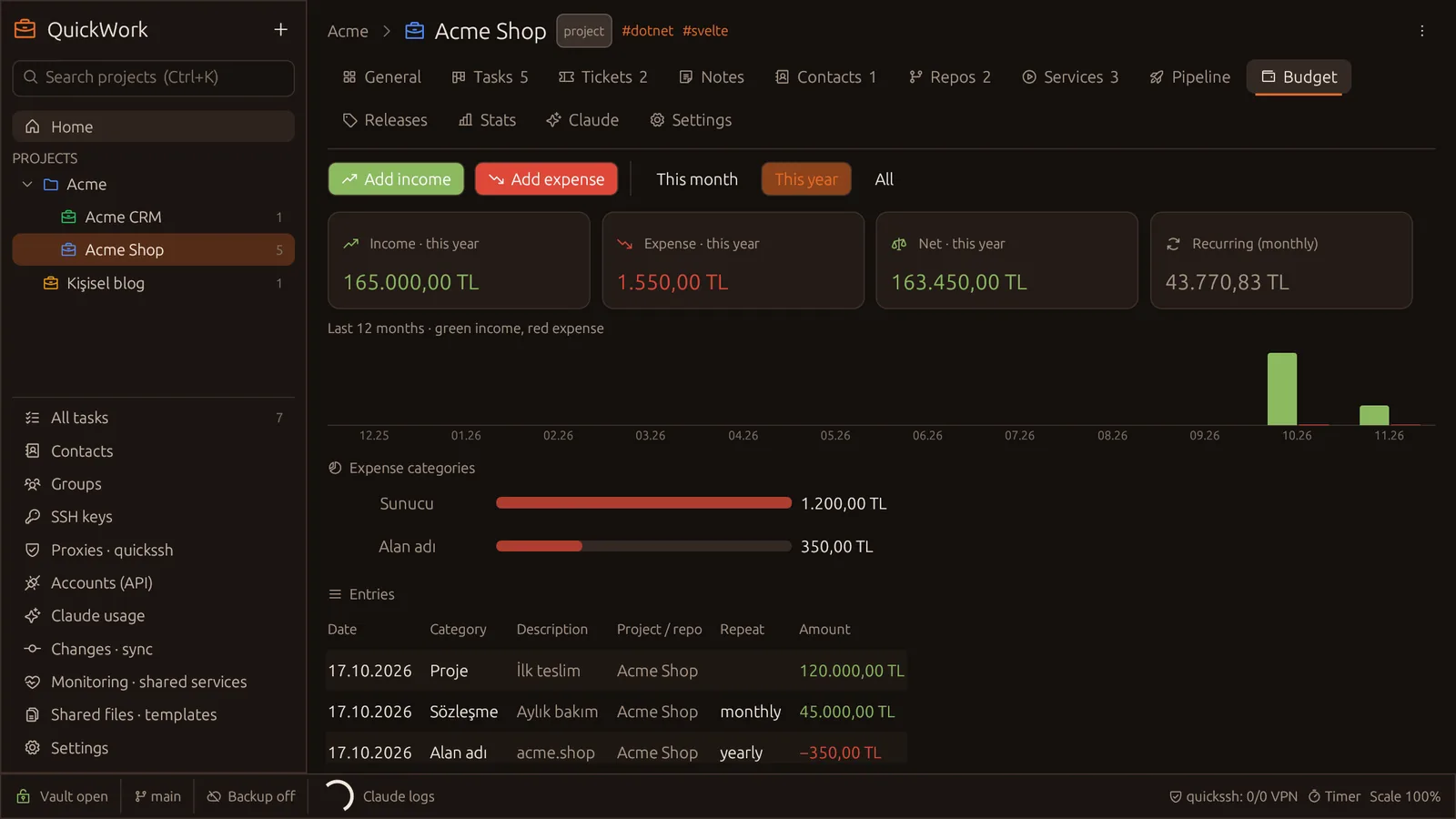
Income and expenses per project, recurring items, a monthly chart and category breakdown.
MCP tools and a skill let Claude know your projects; run Claude sessions in the background and track usage.
Per-project SSH key, git identity and proxy. The right key for the right repo, every time.
Health checks and notifications keep running with the window closed; know when a service goes down.
Your password is never sent anywhere. Even if the server is compromised, your personal data cannot be read.
Every record is encrypted with XChaCha20-Poly1305 using a key derived with Argon2id.
The device encrypts before sending; the decryption key never leaves your device.
Account lockout, per-IP limits, growing back-off and a sign-in history.
Switch computers without losing anything: connect to your own QuickWork server or quickwork.earthquick.dev, your vault is backed up encrypted and restored on the new device.
Open the web panelFor Windows and Linux. Portable packages that need no installation are available too.
Loading releases…
Yes. The desktop app is free; sync is optional.
In an encrypted vault on your computer. With sync on, only the encrypted form goes to the server.
Only you know it, so it cannot be recovered; with sync on you can set up the vault with a new password and re-send data from your devices.
Windows 10/11 and Linux (Ubuntu/Debian package or portable archive).
Yes. Create groups and share contacts, tasks and SSH connections; your personal data never goes into a group.
Turkish and English; chosen on first start, changeable in settings.